Python Lesson 1 – Install Python In Windows
Step 1 : Install Python In Windows Operating System :
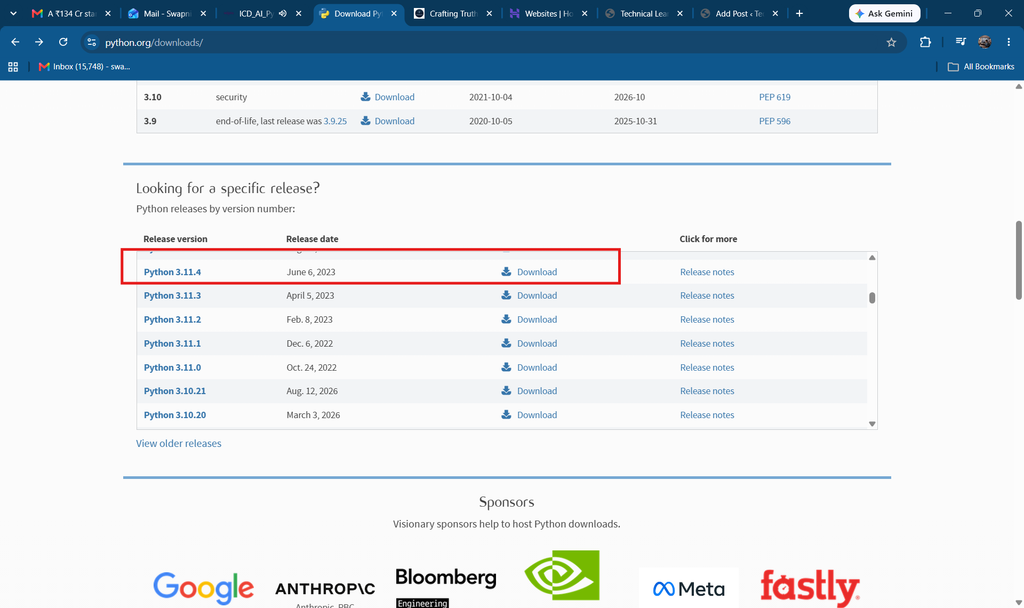
visit :
https://www.python.org/downloads
and download latest version :
Step 2 : click on Installer (MSIX):
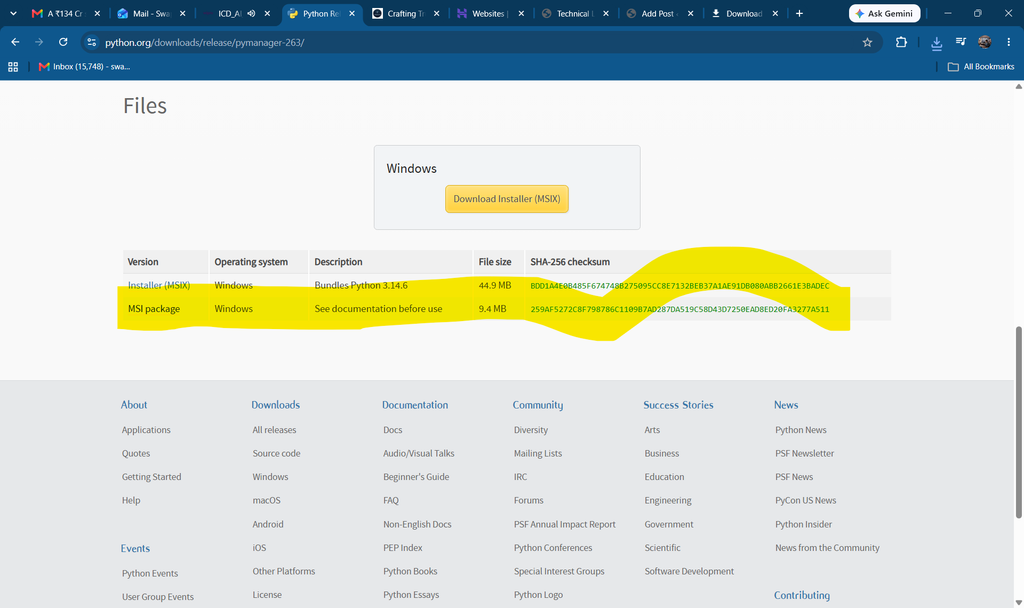
Step 3 :

Step 4 : click on downloaded file : and click on install
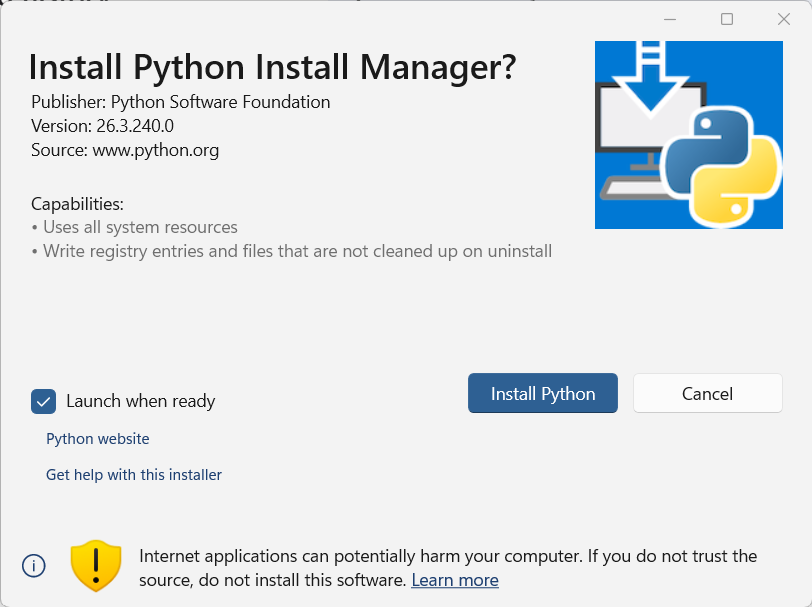
Step 5 : enter y and press enter
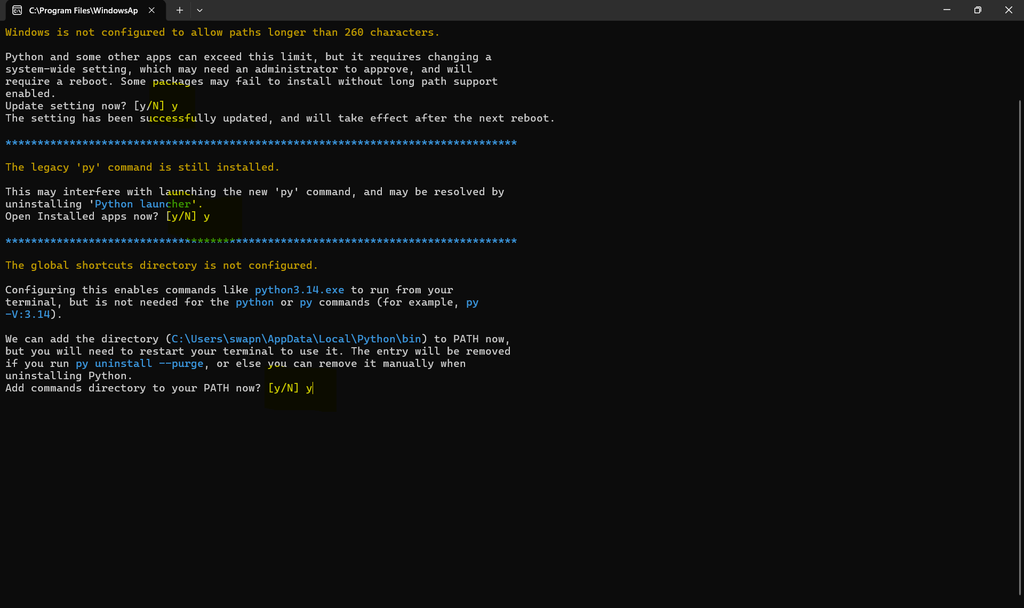
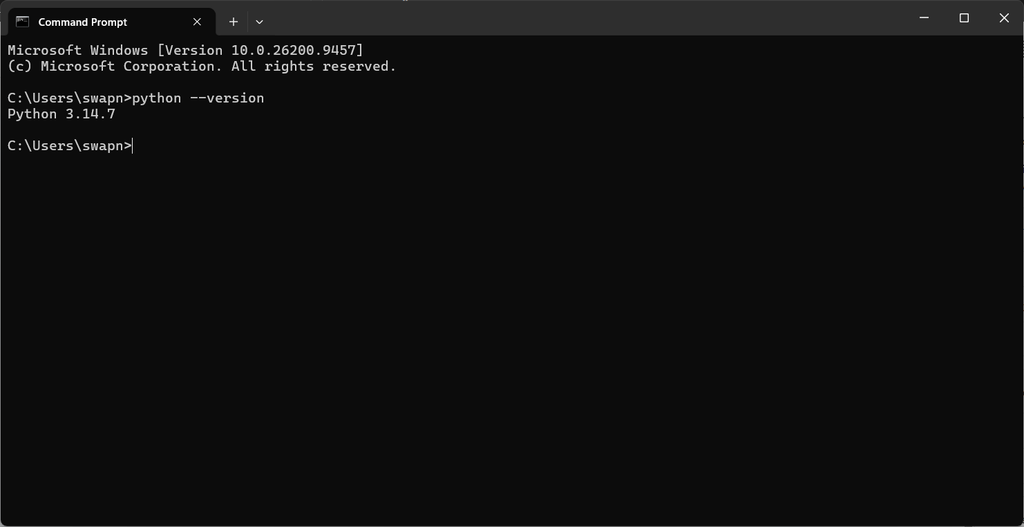
Step 6 : once installation completed , open command prompt and check python version as below :